I’m a web and mobile application developer by profession and developing on LAMP (Linux, Apache, MySQL and PHP) stack for last couple of years. Now it’s time to get development environment ready on my newly installed elementary OS “Freya”. I will install everything separately instead of using the tasksel command.
At the time of writing this article, I’m installing the latest stable version of all the things I am going to need.
- PHP 5.6
- Apache 2.4
- MySQL 5.6
Installing Apache 2.4
We will add the repository of the latest Apache version to our system by using the following command:
sudo add-apt-repository ppa:ondrej/apache2
Then run the following two commands to install Apache 2.4:
sudo apt-get update
sudo apt-get install apache2
Installing PHP 5.6
First, we will add the repository of the latest PHP version to our system by using the following command:
sudo add-apt-repository ppa:ondrej/php5-5.6
Then run the following two commands to install PHP 5.6:
sudo apt-get update
sudo apt-get install php5
This will install PHP on our system.
Installing MySQL 5.6
We will add the repository of the latest MySQL version to our system by using the following command:
sudo add-apt-repository ppa:ondrej/mysql-5.6
Then run the following two commands to install MySQL 5.6:
sudo apt-get update
sudo apt-get install mysql-server
This will install MySQL on our system.
You will be asked to set password for the “root” user for the MySQL server during the process.
Voila! Our development environment is ready now 🙂
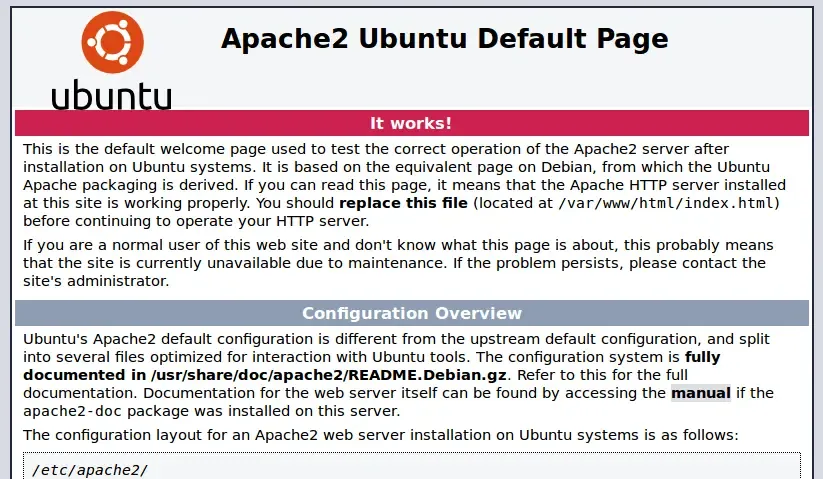
If you visit http://localhost now, you will see the Apache2 Ubuntu Default Page.
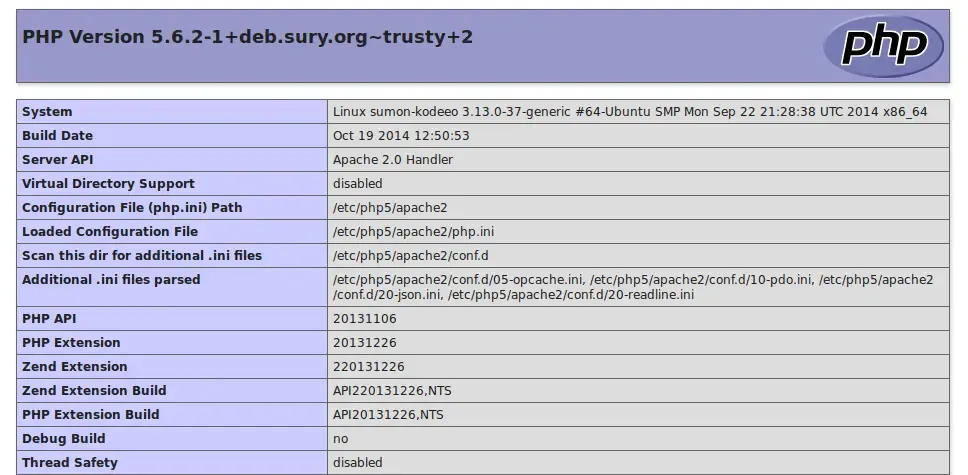
Now let’s write some PHP code to check if everything is working properly. Let’s create a PHP file named info.php on the default document root folder of Apache web server which is/var/www/html and add the following code to the file:
<?php
phpinfo();
Save the file. Then visit the file on your browser: http://localhost/info.php
You should get an output like this:
You may need to install some other PHP extensions and libraries according to your need manually. I will cover this in future. Feel free to comment if you have any queries.