I am a hardcore elementary OS lover and now facing date and time problem on Freya. I was using Luna for a long time. But couldn’t wait more for the new version of elementary OS Freyaand decided to move onto it. So installed Freya Beta 1 64 bit on my HP ProBook 4420s as my primary OS replacing Luna 32 bit.
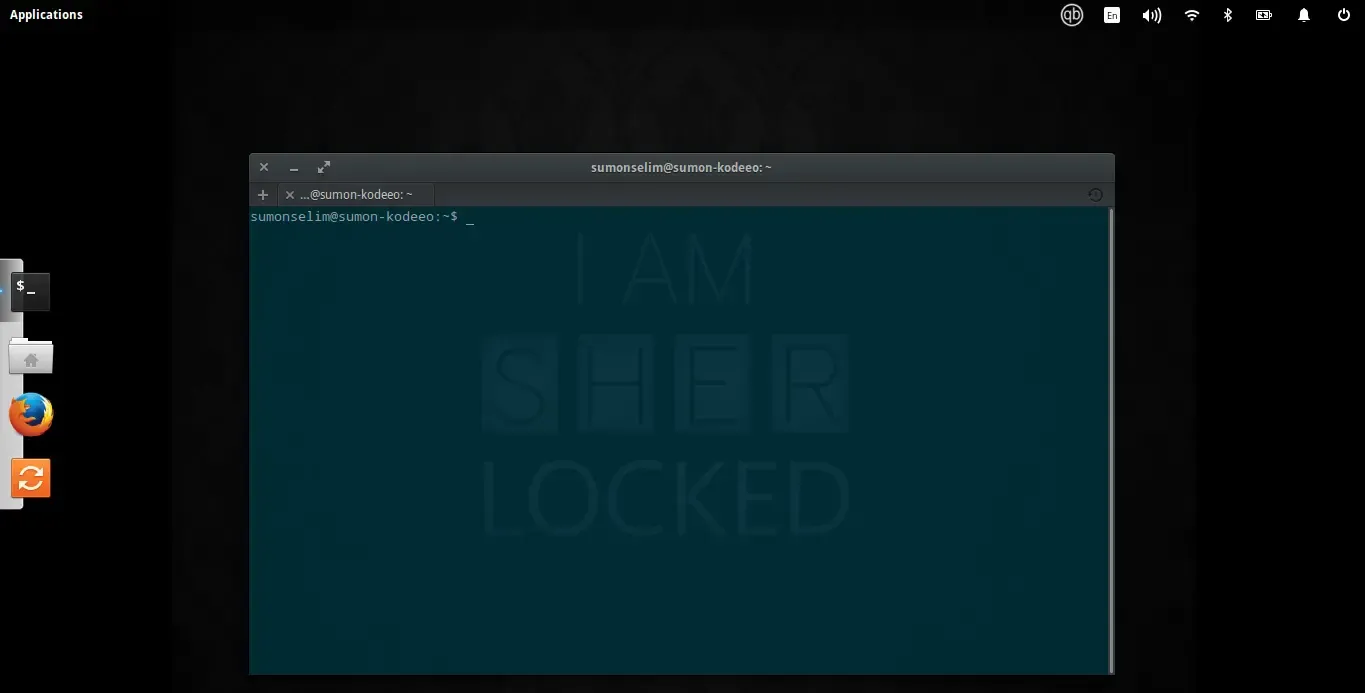
The Problem: But I found that time and date is missing on the top bar (wingpanel).
The solution:
After googling, I found out that the solution is to add a single line of information on the /etc/environment file.
I’m a terminal lover. So, I typed the following command on the terminal to edit the file. Remeber, you will need administration access to edit the file.
sudo nano /etc/environment
And the result was:
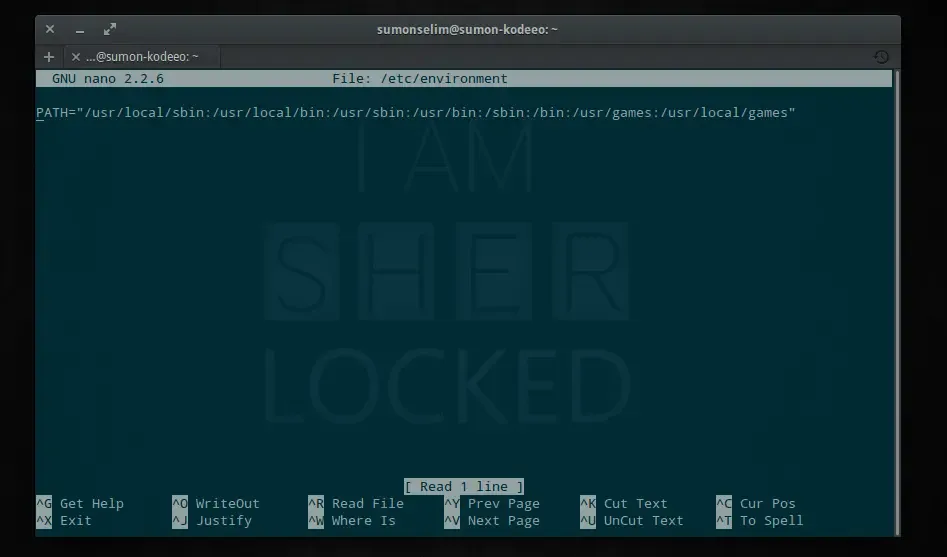
All I need to do was to add the following line on it and save it.
LC_ALL="en_US.UTF-8"
You can set your locale (e.g. bn_BD.UTF-8) too as a value.
After a restart the problem was fixed and date and time was visible on the wingpanel.
Alternatively if you are not comfortable editing on the terminal, run the following command on the terminal.
gksu pantheon-files
This command will open the /etc/ folder on the Files browser and then you can edit the environment file using your default text editor.
If gksu is not installed, you can install it by using the following command:
sudo apt-get install gksu
Basically gksu is a graphical front-end for sudo that allows graphical command to be run without the need to run an X terminal emulator and using su directly. It’s effectively just a GTK+ skin for the superuser commands.